
Businesslabels

Beer Labels: Create Your Own Beer Label!

Create and print your own professional beer labels with Epson ColorWorks printers, washable label materials, starter sets and practical design tips.

Written by:
Pieter van Hees
Pieter van Hees
Published on:
08 Jun 2026
Category:
Article

Beer LabelsCreate your own beer label!

Brewing beer requires a lot of attention, patience and passion. Beer brewing often starts as a hobby and then grows into something more. When the hobby of brewing beer turns into commercial beer brewing, the beer bottles will also end up on store shelves.

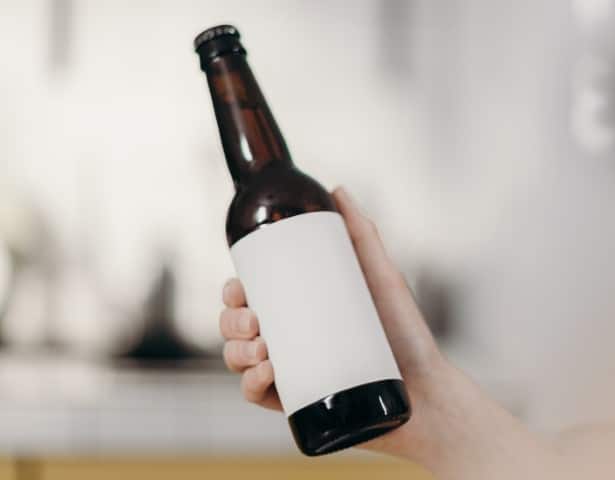
When the beer bottles are in the store, a good label is extremely important. It would be a shame if the label did not reflect the passion and care with which the beer was brewed. Do you want to create your own beer label? Businesslabels is happy to help and offers the right label materials, printers and support for use.

🍺 View our beer label starter sets!
Create beer label

Everything you need!

🖨️

Label printers for beer labels

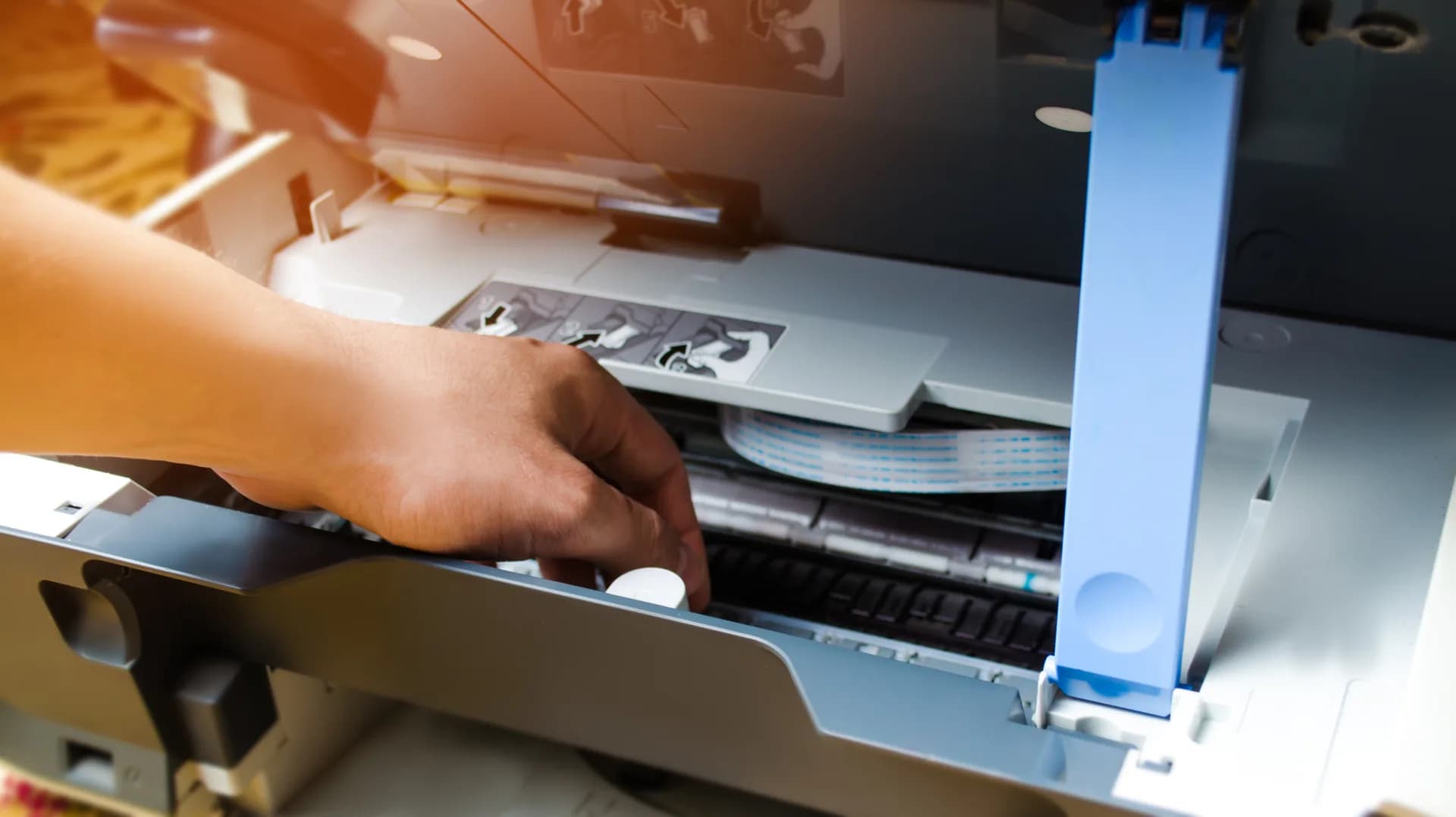
To create and print the most beautiful beer labels, we offer various color label printers from Epson.

Every commercial beer brewer has a different budget and a different volume. Based on your wishes and requirements, we offer a suitable printing solution.

The Epson ColorWorks printers can print beautiful labels that are resistant to water.

Washable labels & specials

As you are used to from larger beer brand labels, beer labels made from the material "DIA600" can easily be rinsed off with lukewarm water. This makes them easy to remove.

We also have a range of special, rustic materials for a traditional “old” look, or even a bold look with a high-gloss silver base.

🍾

Bottle applicator

Sticking beer labels all day is probably not what you had in mind when you started brewing beer.

If manually applying labels to many bottles starts taking too much time, it is time for the next step: the label applicator! Semi-automatic label application saves you a lot of time and effort.

Bertjan van Beek
"

In the first few years, paper, scissors and a little milk or wallpaper paste worked just fine. When this really became too much work, we ended up at Businesslabels. At first, we were very hesitant about an inkjet printer because we thought the ink would run because of condensation. Not at all! We now print many labels almost every day to our full satisfaction, and later simply rinse them off the bottle.

Bertjan van Beek

Beer brewer through and through

How do you create the most beautiful beer labels?

Many brewers start small. Often it is a hobby that has grown out of hand and, through excessive passion, leads to real production. When switching to printing your own beer label in color, there is a lot involved. The starter sets are ideal for those brewers. But the printing solution alone is not enough. So how are you going to create your most beautiful beer label?

💡

Inspiration for your beer label

To create the most beautiful custom beer label, looking around for inspiration is definitely allowed. Get inspired and learn from others, but of course do not copy.

Start with the right label size. Take a good look in shops or on forums. A good example is hobbybrouwen.nl. Enough inspiration? Then we move on to the digital drawing board!

🎨

Design software

You can try to create a design with MS Paint, but it is not ideal. There are many programs that allow you to create a design.

The best-known option is the Adobe package, but it is relatively expensive. Look around carefully for what fits within your budget. Our advice? Take a look at Affinity Designer.

⚙️

Variable data

Is everything running smoothly and is the volume increasing? Time for the next step: partially automating the data on the beer labels.

You can use NiceLabel for this. This program can automatically generate best-before dates and batch numbers. This makes you even more efficient and faster!

About the Author
Pieter van Hees
Pieter van Hees
Your trusted partner for high-quality labels and printing solutions. We share insights on label design, material selection, and industry standards to help your business grow.
Was this helpful?
Share this article
https://businesslabels.nl/en/blog/beer-labels-create-your-own-beer-label
Need help?
Our team can walk through this with you over the phone or via TeamViewer.
Download as Markdown
Article available as structured markdown for AI tools and documentation.

Recommended Products

Inkjet printer .....
Out of Stock
DIA704H, 76 x 124 mm
8 per box
From€ 30,17
ex VAT
Inkjet printer .....
In Stock
DIA704H, 210 x 148 mm
4 per box
From€ 102,39
ex VAT
Inkjet printer .....
Out of Stock
DIA704H, 102 x 76 mm
4 per box
From€ 86,75
ex VAT
Inkjet printer .....
Out of Stock
DIA704H, 102 x 51 mm
4 per box
From€ 124,86
ex VAT
Inkjet printer .....
In Stock
DIA704H, 102 x 152 mm
6 per box
From€ 21,00
ex VAT
Inkjet printer .....
In Stock
DIA700Z, 52 x 29000 mm
6 per box
DIA700Z
From€ 28,93
ex VAT

Recommended Materials

DIA715
Inkjet
DIA715Diamondlabels

Premium white glossy plastic (PP) inkjet labels

The DIA715 is a white synthetic (PP) label material with a high-quality inkjet coating and a high-gloss finish A glossy PP in combination with an inkjet color label printer has the potential to produce the most beautiful labels such as product and retail labels. The high-gloss finish of the material ensures a very striking appearance, while the high-quality inkjet coating ensures fast drying and fine print results. The pictures will have bright colors and a barcode is always optimal printed so it can be easily be scanned by a barcode scanner. Remark: With high-speed inkjet printers such as the Epson TM-C7500G the speed of the printer can cause “windmarking”. If in doubt, always contact us for advice. The DIA725 is a PET variant and due to its various properties it is a good alternative for labels on (small) round surfaces such as bottles and test tubes

PP (polypropylene)GlossyPermanent
Weight74 ± 5 g/m²
Thickness89 ± 5 µm
DIA400R
Inkjet
DIA400RDiamondlabels

Premium inkjet coated glossy paper with removable adhesive

Glossy paper with very high quality inkjet coating with removable adhesive. The base paper DIA400 from Diamondlabels is the premium inkjet paper when it comes to fast drying and excellent quality prints in terms of resolution. Despite the good gloss value, the inkjet coating is open enough to absorb ink quickly and thus minimize bleeding (bleeding) of the ink. As a result, prints have a high color yield and brightness without sacrificing sharpness. Prints on DIA400 will therefore be of the highest possible quality. The DIA400R’s removable adhesive ensures trouble-free label removal without leaving any damage or visible traces. Ideal for temporary application of full-color labels, such as logistics application and temporary packaging labels. In addition, the DIA400R is widely used as a product label on the product itself, such as price labels on crockery. The DIA400 series is available with different adhesive types: Standaard permanente lijm: DIA400 Extra permanente High-tack lijm: DIA400H Lijm voor diepvries temperaturen: DIA400F Opake lijm (zwarte lijm): DIA400O

PaperGlossyPermanent
Weight86 ± 4 g/m²
Thickness102 ± 6 µm
DIA400
Inkjet
DIA400Diamondlabels

Premium inkjet coated glossy paper with permanent adhesive

High quality glossy paper with inkjet coating for very fine full-color printing results. The DIA400 from Diamondlabels is the premium inkjet paper when it comes to fast drying and excellent quality prints in terms of resolution. Despite the great gloss value, the inkjet coating is open enough to quickly absorb ink and thus minimize bleeding of the ink. As a result, prints have a high color yield and brightness without sacrificing sharpness. Prints on DIA400 will therefore be of the highest possible quality. The DIA400 features a permanent adhesive that is allowed to come into direct contact with food and adheres well to many surfaces. The application of the labels is possible at 0 degrees Celsius. The DIA400 is also available with other types of adhesives: Adhesive for freezing temperatures: DIA400F Removable adhesive: DIA400R Extra permanent High-tack adhesive: DIA400H Opaque adhesive (blackout): DIA400O

PaperGlanzendPermanent
Weight85 ± 4 g/m²
Thickness101 ± 5 µm
DIA120GR
Inkjet
DIA120GRDiamondlabels

120 gms mat inkjet paper tag

The DIA120gr is a 120 gram ticket paper with a high quality inkjet coating which is suitable for most ink types of inkjet label printers. For full-color printing of shelftags and pricecards, a 120gsm inkjet paper is the ideal middle ground firm yet thin and affordable ticket material. The DIA120gr is the 120 gram version of a range of ticket materials that runs from 70 to 240 grams of paper, feel free to ask for sample material.

PaperMattePermanent
Weight118 ± 8 g/m²
Thickness150 ± 8 µm
DIA010R
Inkjet
DIA010RDiamondlabels

Extra thin mat inkjet paperlabels with removable adhesive

Matte inkjet paper especially for applications with endless label rolls with easy to remove adhesive. Endless rolls are label rolls that consist of only one long label and are cut to any desired length with the printer’s cutter. For example, for one application multiple label formats can be printed with 1 printer and 1 roll without changes. This material is thinner than the other matte paper label materials we use. All this to extend the life of the printer’s blade and therefore make the solution more reliable in critical processes. This material is similar to the DIA010 only with a removable adhesive. Other types of matte inkjet paper include. Standard mat inkjet paper DIA055 Premium mat inkjet paper DIA050

PaperMattePermanent
Weight70 (±6) g/m²
Thickness83 (±7) µm
DIA010
Inkjet
DIA010Diamondlabels

Extra thin matte inkjet label material for endless rolls

The DIA010 from Diamondlabels is an extra thin matte inkjet paper specially developed for endless label rolls. Since the DIA010 is an extra thin paper, more meters fit on a single roll, but the biggest advantage is the extra low load on the autocutter unit. The thin paper minimizes the load on the cutterblade and thus extends the life of the cutterunit and thus the printer. This makes the DIA010 a widely used and ideal material for endless rolls in practical applications. An endless roll is widely used for printing constantly changed label sizes without having to change rolls while still using 1 printer. The DIA010 is therefore a widely sold material for the Epson ColorWorks C3500 label printer where the DIA010 is used in both packaging applications and more practical applications such as in a logistics environment. In addition to the DIA010, Diamondlabels have other types of matte inkjet label material for other applications, the most important of which are: Premium extra mat inkjet paper DIA050 Standard mat inkjet paper DIA055

PaperMattePermanent
Weight70 (±6) g/m²
Thickness83 (±7) µm

Ready to find the perfect labels?

Join over 12,000 businesses who trust us for expert advice and high-quality products

Browse Products