Businesslabels

Epson Warranty: Standard Warranty and Epson CoverPlus

Learn how Epson ColorWorks warranty works, what is covered under the standard manufacturer’s warranty, and how Epson CoverPlus can extend protection for desktop and mid-range label printers.

Written by:
Pieter van Hees
Pieter van Hees
Published on:
08 Jun 2026
Category:
Article

Epson Warranty

Standard warranty and Epson CoverPlus

Label printers are often part of essential business processes. That is why continuity is often extremely important. But how is that continuity guaranteed when using Epson ColorWorks color label printers?

All Epson ColorWorks models come with a standard 1-year manufacturer’s warranty. However, how this manufacturer’s warranty works differs per model. Below you can read exactly how this is arranged per model. In short, the smaller desktop models need to be sent in, while the larger models are covered by on-site repair.

To further guarantee continuity, Epson offers the option to extend the manufacturer’s warranty to 3, 4 or 5 years. These warranty extensions are offered under the name Epson CoverPlus. By extending the warranty, you increase the operational reliability of the printers and avoid unexpectedly high repair costs.

Epson label printer

The standard manufacturer’s warranty for Epson ColorWorks

All Epson ColorWorks models come with a 1-year manufacturer’s warranty. Simply put, this means that if the printer breaks down or does not function properly within that year, Epson will arrange the repair. Of course, this is free of charge. Epson does set a number of simple and logical conditions. For example, Epson assumes that the user manual has been read and the instructions have been followed. After all, 99% of problems and malfunctions are easy to solve. Businesslabels is of course happy to help with this, because solving the issue quickly without repair not only prevents costs but also saves a lot of time. Is the printer really broken? Then we are happy to help register it for repair under warranty.

But how does the further handling work? What do you need to do yourself, and what can you expect from this manufacturer’s warranty? This differs per model. Below, we explain this for the current models (2022).

📦

Epson TM-C3500
Epson CW-C4000

The Epson C3500 and C4000 printers are the desktop color label printers in the Epson ColorWorks product range. Desktop color label printers are the smaller and therefore more mobile printers.

If these printers need to be repaired, they must be sent to the repair center designated by Epson. For the Netherlands, this is the company Mservice in Utrecht.

For sending the printer in, Epson will provide you with a reference number, or RMA number, in the event of warranty. This number must be clearly stated on the box. After receipt, the printer will be repaired and returned as quickly as possible.

This warranty method is known as RTB warranty. RTB stands for Return To Base, also known as carry-in service.

🚐

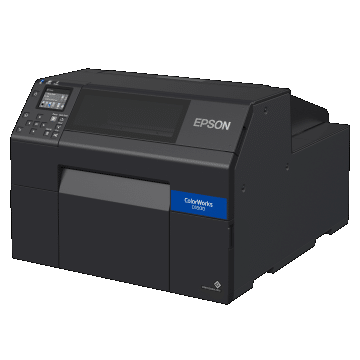
Epson C6000 and C6500 series
Epson C7500(G)

The printers from the Epson ColorWorks C6000 series (C6000 and C6500 models) and the Epson TM-C7500(G) printers are the mid-range and industrial models. Due to the size and weight of these printers, they are not easy to move or transport.

Epson therefore offers on-site warranty service for these printers. If all user errors have been ruled out and it is almost certain that the printer needs repair, Epson assigns an RMA number. This number, together with your details, is sent to the repair service. In the Benelux, this is Mservice.

Mservice will contact you as soon as possible to schedule an on-site repair appointment. In most cases, they are able to carry out the repair quickly so that you can continue working soon. In exceptional cases, the printer may be temporarily replaced.

This so-called On-Site Service Engineer (OSSE) is of course also free of charge as long as it falls within the warranty or CoverPlus period and provided that the conditions have been met.

What is and is not covered by warranty?

The warranty on Epson ColorWorks printers covers all repair and parts costs required to make the printers function properly. It is important to keep in mind that the warranty does not cover user errors, such as incorrect printer settings or improper use. The use of non-original inks can also lead to damage that is not covered by the warranty. The costs for sending Epson desktop printers must be paid by the user.

More certainty? Epson CoverPlus packages!

In the business market, a 1-year warranty is very common. However, companies are often looking for more certainty. Continuity is extremely important, especially if the label printer plays an important role in business processes. Epson therefore offers the option to extend the warranty period with Epson CoverPlus packages.

Below you will find the various options per printer model and the recommended retail prices provided by Epson. These Epson CoverPlus packages can only be purchased and registered in combination with the purchase of a printer. It is not possible to add this extension later, for example after half a year.

Feel free to ask us for a quote for the desired Epson ColorWorks model in combination with a CoverPlus package of your choice.

Epson CoverPlus options for desktop models

For Epson ColorWorks desktop printers, Epson in Europe only offers CoverPlus packages based on Return To Base Service (RTBS). For these printers, it is therefore always necessary for the printer to be brought to the repair center by the user after registering it for repair. You may do this yourself, but it can of course also be done via parcel service.

Are you sending the printer as a parcel? Then pay close attention to the packaging. Make sure the printer is well packed and has sufficient padding all around so that it is not damaged during transport. Transport damage is not covered by the warranty.

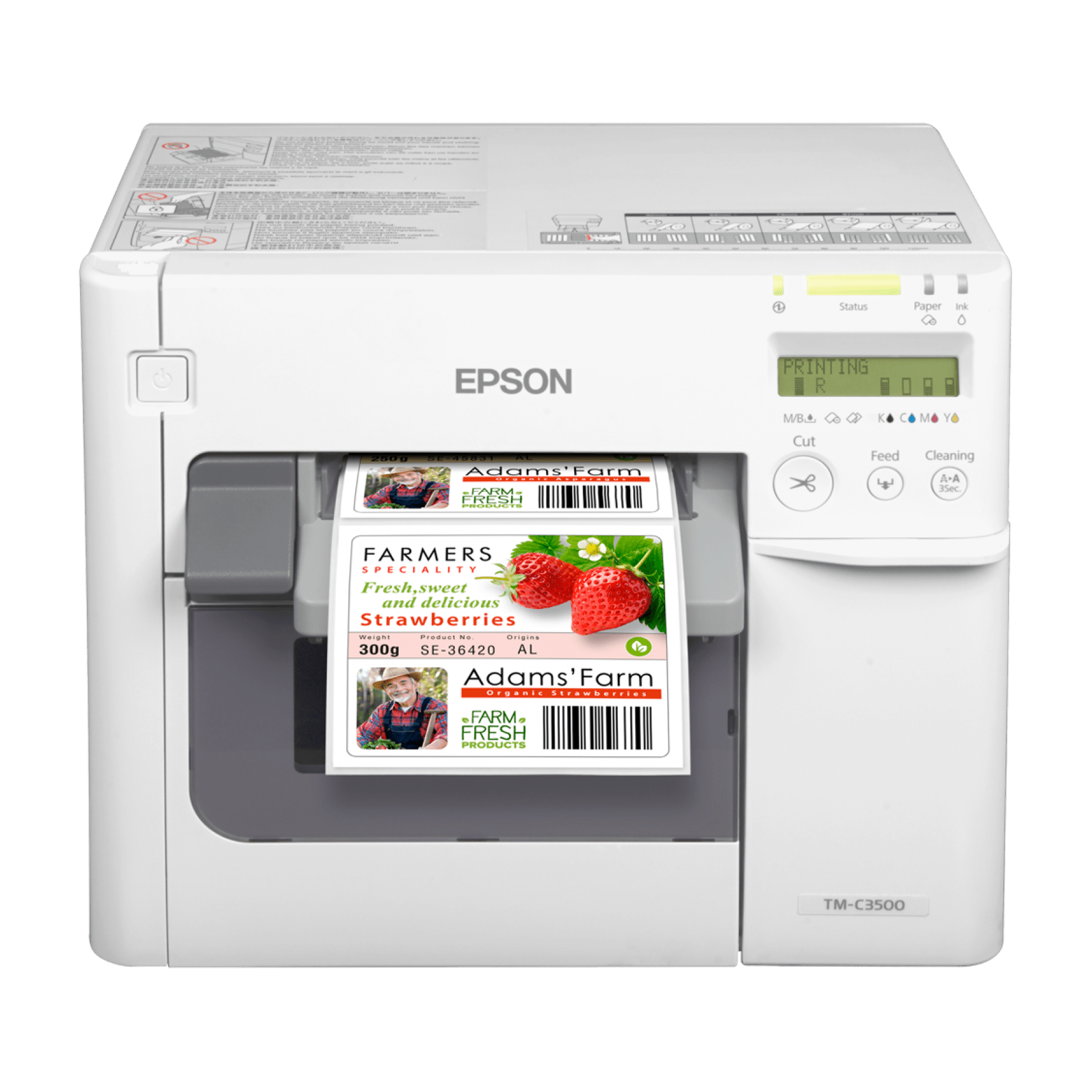
Epson TM-C3500

3Y RTBS CoverPlus

From 1 to 3 years, return to base

€ 200

4Y RTBS CoverPlus

From 1 to 4 years, return to base

€ 320

5Y RTBS CoverPlus

From 1 to 5 years, return to base

€ 440
Epson TM-C3500

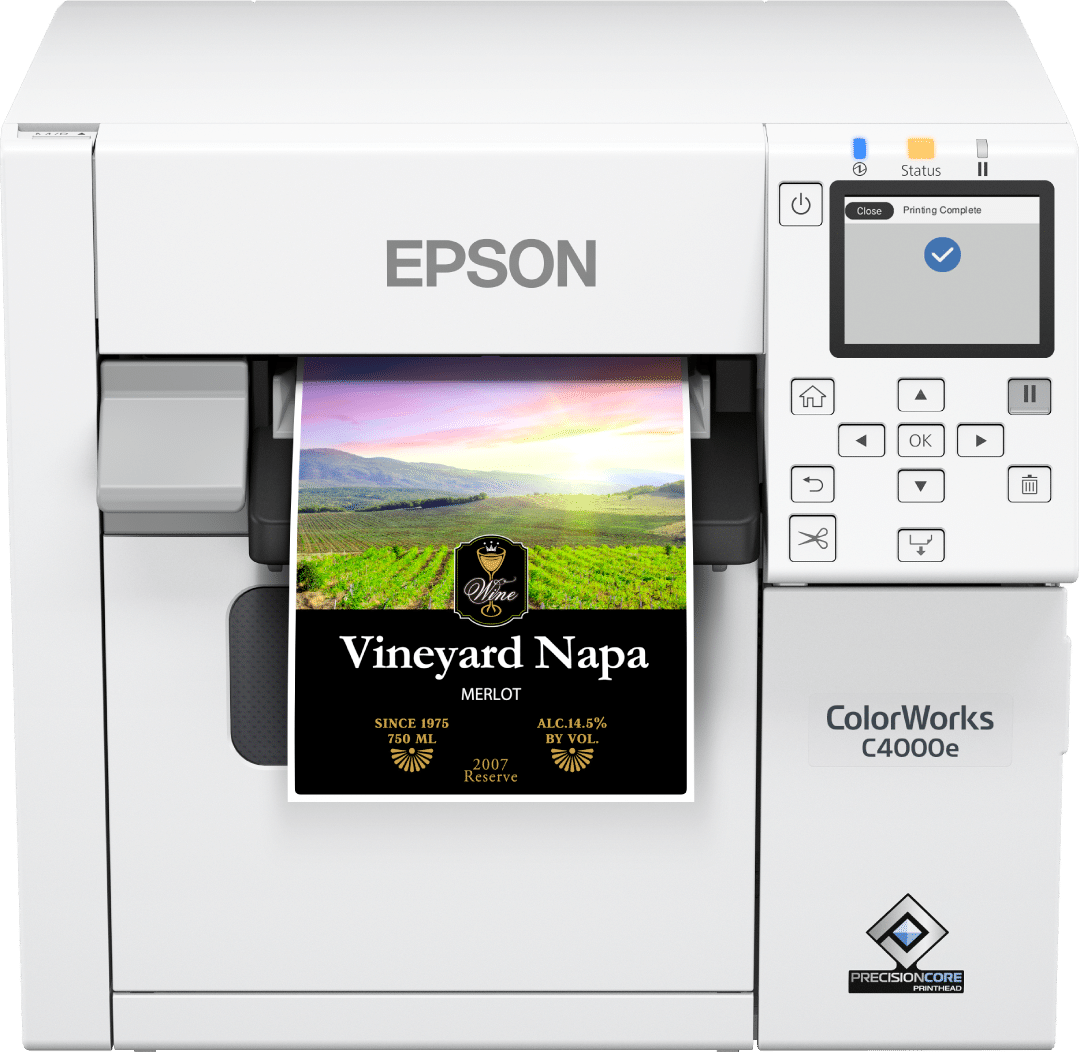
Epson CW-C4000

3Y RTBS CoverPlus

From 1 to 3 years, return to base

€ 240

4Y RTBS CoverPlus

From 1 to 4 years, return to base

€ 384

5Y RTBS CoverPlus

From 1 to 5 years, return to base

€ 528
Epson CW-C4000

Epson CoverPlus options for the CW-C6000 series

For the Epson CW-C6000 series, Epson offers multiple warranty extension options. For the CoverPlus packages for these printer series, a distinction is made between the CW-C6000 and CW-C6500 models. Whether it is a version with a cutter (CW-C6000Ae) or the version with a peeler (CW-C6000Pe) makes no difference. For these printer series, you will find options for RTBS (return it yourself), OSSE (on-site repair) and OSSW (on-site printer replacement).

With RTBS service, just like with the desktop printer, it is necessary to bring the printer to the repair center. This can be somewhat difficult with these printers, which is why this option is almost never chosen. The most commonly chosen option is OSSE, where a service engineer visits on-site by appointment to repair the printer. This allows you to continue working quickly. In addition, there is an option to choose the so-called “On-Site Swap” service (OSSW). In that case, the printer is taken away for repair if necessary and temporarily replaced with a loan printer in the meantime.

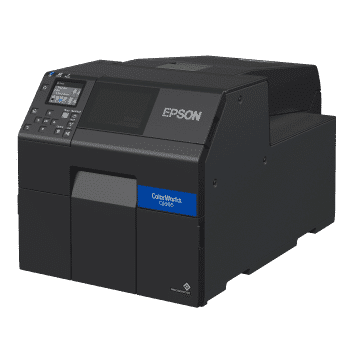
Epson CW-C6000Ae and CW-C6000Pe in both BK and MK versions

C6000 CoverPlus RTBS

3Y RTBS€ 520
4Y RTBS€ 800
5Y RTBS€ 1.160
Epson CW-C6000

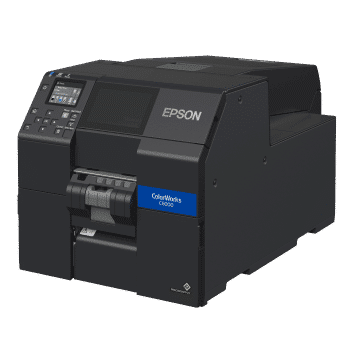
C6000 CoverPlus OSSE

3Y OSSE€ 600
4Y OSSE€ 1.000
5Y OSSE€ 1.450
Epson CW-C6000

C6000 CoverPlus OSSW

3Y OSSW€ 650
4Y OSSW€ 1.000
5Y OSSW€ 1.450
Epson CW-C6000

Epson CW-C6500Ae and CW-C6500Pe in both BK and MK versions

C6500 CoverPlus RTBS

3Y RTBS€ 520
4Y RTBS€ 800
5Y RTBS€ 1.160
Epson CW-C6500

C6500 CoverPlus OSSE

3Y OSSE€ 650
4Y OSSE€ 1.000
5Y OSSE€ 1.500
Epson CW-C6500

C6500 CoverPlus OSSW

3Y OSSW€ 700
4Y OSSW€ 1.050
5Y OSSW€ 1.550

Epson CW-C6500
About the Author
Pieter van Hees
Pieter van Hees
Your trusted partner for high-quality labels and printing solutions. We share insights on label design, material selection, and industry standards to help your business grow.
Was this helpful?
Share this article
https://businesslabels.nl/en/blog/epson-warranty-standard-warranty-and-epson-coverplus
Need help?
Our team can walk through this with you over the phone or via TeamViewer.
Download as Markdown
Article available as structured markdown for AI tools and documentation.

Recommended Products

Inkjet printer .....
Out of Stock
DIA704H, 102 x 76 mm
4 per box
From€ 86,75
ex VAT
Inkjet printer .....
In Stock
DIA700Z, 52 x 29000 mm
6 per box
DIA700Z
From€ 28,93
ex VAT
Inkjet printer .....
Out of Stock
DIA704H, 210 x 297 mm
4 per box
From€ 108,90
ex VAT
Inkjet printer .....
Out of Stock
DIA704H, 76 x 124 mm
8 per box
From€ 30,17
ex VAT
Thermal Direct .....
Out of Stock
1000D-tag, 76 x 38 mm
16 per box
SKU: ZTD3003349

1000D-tag, 76 x 38 mm

1000D-tag
€ 11,80
ex VAT
Inkjet printer .....
In Stock
DIA704H, 210 x 148 mm
4 per box
From€ 102,39
ex VAT

Recommended Materials

DIA715
Inkjet
DIA715Diamondlabels

Premium white glossy plastic (PP) inkjet labels

The DIA715 is a white synthetic (PP) label material with a high-quality inkjet coating and a high-gloss finish A glossy PP in combination with an inkjet color label printer has the potential to produce the most beautiful labels such as product and retail labels. The high-gloss finish of the material ensures a very striking appearance, while the high-quality inkjet coating ensures fast drying and fine print results. The pictures will have bright colors and a barcode is always optimal printed so it can be easily be scanned by a barcode scanner. Remark: With high-speed inkjet printers such as the Epson TM-C7500G the speed of the printer can cause “windmarking”. If in doubt, always contact us for advice. The DIA725 is a PET variant and due to its various properties it is a good alternative for labels on (small) round surfaces such as bottles and test tubes

PP (polypropylene)GlossyPermanent
Weight74 ± 5 g/m²
Thickness89 ± 5 µm
DIA400R
Inkjet
DIA400RDiamondlabels

Premium inkjet coated glossy paper with removable adhesive

Glossy paper with very high quality inkjet coating with removable adhesive. The base paper DIA400 from Diamondlabels is the premium inkjet paper when it comes to fast drying and excellent quality prints in terms of resolution. Despite the good gloss value, the inkjet coating is open enough to absorb ink quickly and thus minimize bleeding (bleeding) of the ink. As a result, prints have a high color yield and brightness without sacrificing sharpness. Prints on DIA400 will therefore be of the highest possible quality. The DIA400R’s removable adhesive ensures trouble-free label removal without leaving any damage or visible traces. Ideal for temporary application of full-color labels, such as logistics application and temporary packaging labels. In addition, the DIA400R is widely used as a product label on the product itself, such as price labels on crockery. The DIA400 series is available with different adhesive types: Standaard permanente lijm: DIA400 Extra permanente High-tack lijm: DIA400H Lijm voor diepvries temperaturen: DIA400F Opake lijm (zwarte lijm): DIA400O

PaperGlossyPermanent
Weight86 ± 4 g/m²
Thickness102 ± 6 µm
DIA400
Inkjet
DIA400Diamondlabels

Premium inkjet coated glossy paper with permanent adhesive

High quality glossy paper with inkjet coating for very fine full-color printing results. The DIA400 from Diamondlabels is the premium inkjet paper when it comes to fast drying and excellent quality prints in terms of resolution. Despite the great gloss value, the inkjet coating is open enough to quickly absorb ink and thus minimize bleeding of the ink. As a result, prints have a high color yield and brightness without sacrificing sharpness. Prints on DIA400 will therefore be of the highest possible quality. The DIA400 features a permanent adhesive that is allowed to come into direct contact with food and adheres well to many surfaces. The application of the labels is possible at 0 degrees Celsius. The DIA400 is also available with other types of adhesives: Adhesive for freezing temperatures: DIA400F Removable adhesive: DIA400R Extra permanent High-tack adhesive: DIA400H Opaque adhesive (blackout): DIA400O

PaperGlanzendPermanent
Weight85 ± 4 g/m²
Thickness101 ± 5 µm
DIA120GR
Inkjet
DIA120GRDiamondlabels

120 gms mat inkjet paper tag

The DIA120gr is a 120 gram ticket paper with a high quality inkjet coating which is suitable for most ink types of inkjet label printers. For full-color printing of shelftags and pricecards, a 120gsm inkjet paper is the ideal middle ground firm yet thin and affordable ticket material. The DIA120gr is the 120 gram version of a range of ticket materials that runs from 70 to 240 grams of paper, feel free to ask for sample material.

PaperMattePermanent
Weight118 ± 8 g/m²
Thickness150 ± 8 µm
DIA010R
Inkjet
DIA010RDiamondlabels

Extra thin mat inkjet paperlabels with removable adhesive

Matte inkjet paper especially for applications with endless label rolls with easy to remove adhesive. Endless rolls are label rolls that consist of only one long label and are cut to any desired length with the printer’s cutter. For example, for one application multiple label formats can be printed with 1 printer and 1 roll without changes. This material is thinner than the other matte paper label materials we use. All this to extend the life of the printer’s blade and therefore make the solution more reliable in critical processes. This material is similar to the DIA010 only with a removable adhesive. Other types of matte inkjet paper include. Standard mat inkjet paper DIA055 Premium mat inkjet paper DIA050

PaperMattePermanent
Weight70 (±6) g/m²
Thickness83 (±7) µm
DIA010
Inkjet
DIA010Diamondlabels

Extra thin matte inkjet label material for endless rolls

The DIA010 from Diamondlabels is an extra thin matte inkjet paper specially developed for endless label rolls. Since the DIA010 is an extra thin paper, more meters fit on a single roll, but the biggest advantage is the extra low load on the autocutter unit. The thin paper minimizes the load on the cutterblade and thus extends the life of the cutterunit and thus the printer. This makes the DIA010 a widely used and ideal material for endless rolls in practical applications. An endless roll is widely used for printing constantly changed label sizes without having to change rolls while still using 1 printer. The DIA010 is therefore a widely sold material for the Epson ColorWorks C3500 label printer where the DIA010 is used in both packaging applications and more practical applications such as in a logistics environment. In addition to the DIA010, Diamondlabels have other types of matte inkjet label material for other applications, the most important of which are: Premium extra mat inkjet paper DIA050 Standard mat inkjet paper DIA055

PaperMattePermanent
Weight70 (±6) g/m²
Thickness83 (±7) µm

Ready to find the perfect labels?

Join over 12,000 businesses who trust us for expert advice and high-quality products

Browse Products