

Epson CW-C4000 ColorWorks
On January 18, 2022, Epson announced the arrival of the Epson CW-C4000 ColorWorks. The arrival of this new series was long awaited but still a big surprise. With this addition, the offering and thus the strength of the Epson ColorWorks printer series grows again.
But what does this new color label printer have to offer? Read more on this page or view the product page of the Epson CW-C4000.
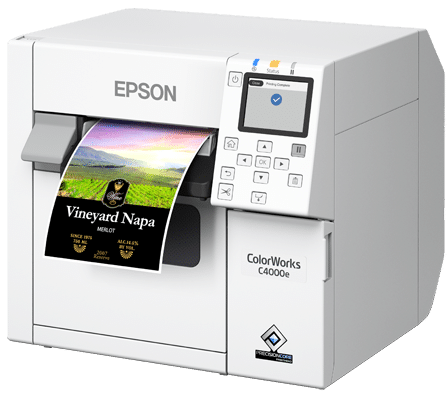
Desktop printer with unprecedented print quality
The Epson CW-C4000 inkjet label printer is a desktop model — compact, desk-friendly, and ideal for small to medium print runs. On the outside, the printer strongly resembles the Epson TM-C3500, while the technology inside matches the Epson CW-C6000 series. For example, the CW-C4000 features the same printhead and equal print resolution as the C6000 printers — including a choice of two types of black ink.
The facts at a glance
Specifications of the Epson CW-C4000 ColorWorks label printer as announced by Epson.
- 1Serial Precision Core TFP printhead technology
- 2Nozzle Verification Technology with automatic compensation and fully self-maintaining
- 3UltraChrome DL pigment inks, CMYK in separate cartridges
- 42.7" color display with 9 control buttons for easy operation and optimal control
- 5Color correction using ICC profiling and RGB spot color replacement
- 6Print resolution up to 1200 × 1200 dpi
- 7Print width up to 108 mm and length up to 406 mm per page
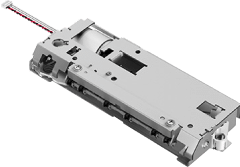
- 8Automatic cutter which can optionally be replaced by the user when needed
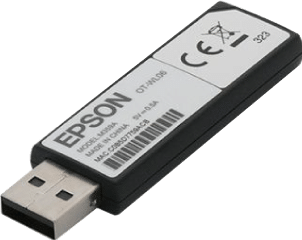
- 9Optionally equipped with WiFi via a WiFi dongle
- 10The printer weighs 13 kg (weight incl. packaging approx. 17.5 kg)
- 11Size of 310 × 283 × 285 mm (W×D×H)
- 12Detection method for GAP, Blackmark & Continuous
- 13Use internal label roll or external feed
Print speed vs. print quality
Print speed and quality influence each other. The higher the quality, the lower the speed. In the "Normal" setting, the resolution is equal to "Speed" but the head prints 2.5× over the material — essential for less quickly drying materials such as glossy label material.
| Setting | Resolution | Speed |
|---|---|---|
| Max Speed | 300 × 600 dpi | 100 mm/s |
| Speed | 600 × 600 dpi | 70 mm/s |
| Normal | 600 × 600 dpi | 48 mm/s |
| Quality | 600 × 1200 dpi | 18 mm/s |
| Max Quality | 1200 × 1200 dpi | 8 mm/s |
Then the first question asked is:
"What will it cost?"
CW-C4000 printer
€1.579,20
excl. VAT — both BK and MK model
The Epson CW-C4000 is slightly more expensive than the TM-C3500 but offers unprecedented print quality for the price.
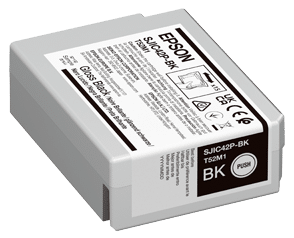
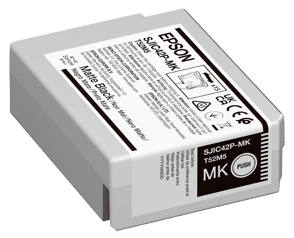
Ink cartridges
€32,96
per cartridge — CMYK + 2× black
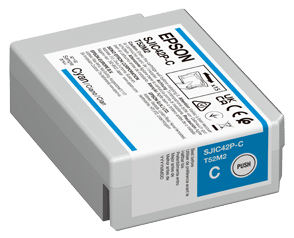
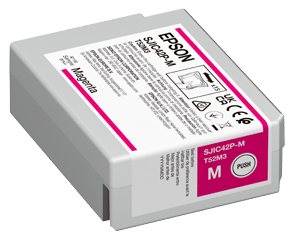
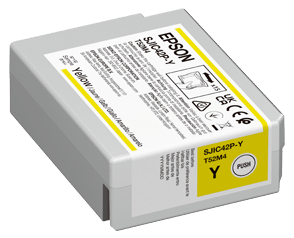
Four separate 50ml cartridges: Black BK, Black MK, Cyan, Magenta & Yellow. Lower ink costs per print than the TM-C3500.
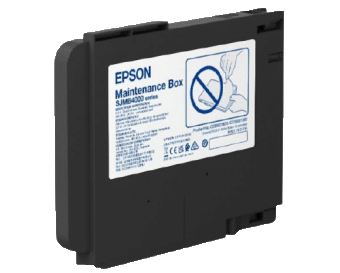
Maintenance box
€30,90
replacement when full
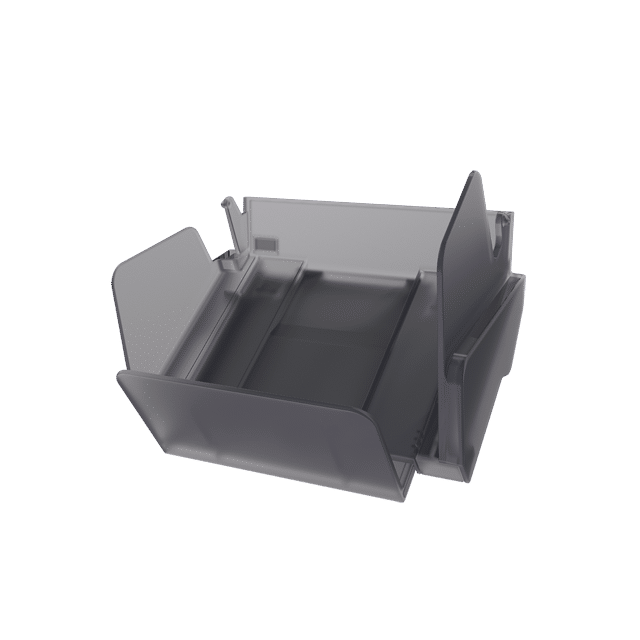
Collects the waste ink released during printhead maintenance, just like with the other ColorWorks printers.
WiFi dongle
€108,-
optional expansion
Add wireless connection via the dongle at the back. WiFi setup via the printer display.
Cutter replacement
€210,-
self-replaceable
For the first time in its class, replaceable by the user. Expected lifespan up to 1.5 million cuts.
The choice: BK or MK version?
CW-C4000 BK
The BK version is the most universally applicable version. Equipped with the black BK ink cartridge — suitable for all types of inkjet material. Easily switch between glossy and matte labels.
On glossy materials the BK version performs best, with sharp details and deep dark blacks. On matte materials, the BK performs fine but its black prints are slightly less full black — especially with large black areas.
CW-C4000 MK
The MK version is equipped with the matte black (MK) ink cartridge. This is ideally suited for matte paper and paper label materials. The deep black matte colors give a premium look on matte paper.
On matte materials the MK version delivers superior black quality compared to the BK. On glossy materials, the MK performs less well than the BK version — so choose consciously based on your primary label material.
Need more information or advice?
Businesslabels advises daily on the purchase of label printers and materials. Contact us — we are happy to help you make the right choice.