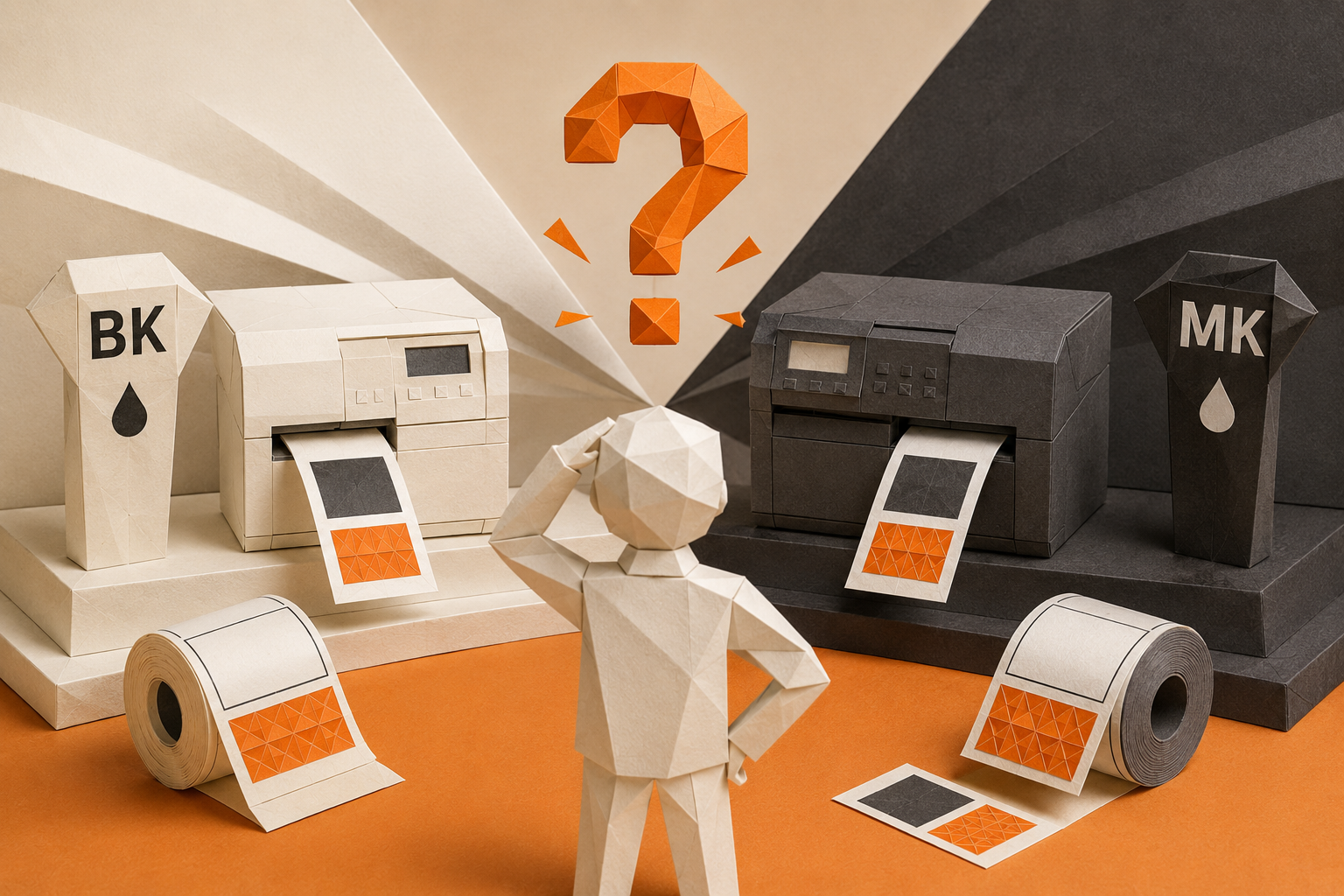
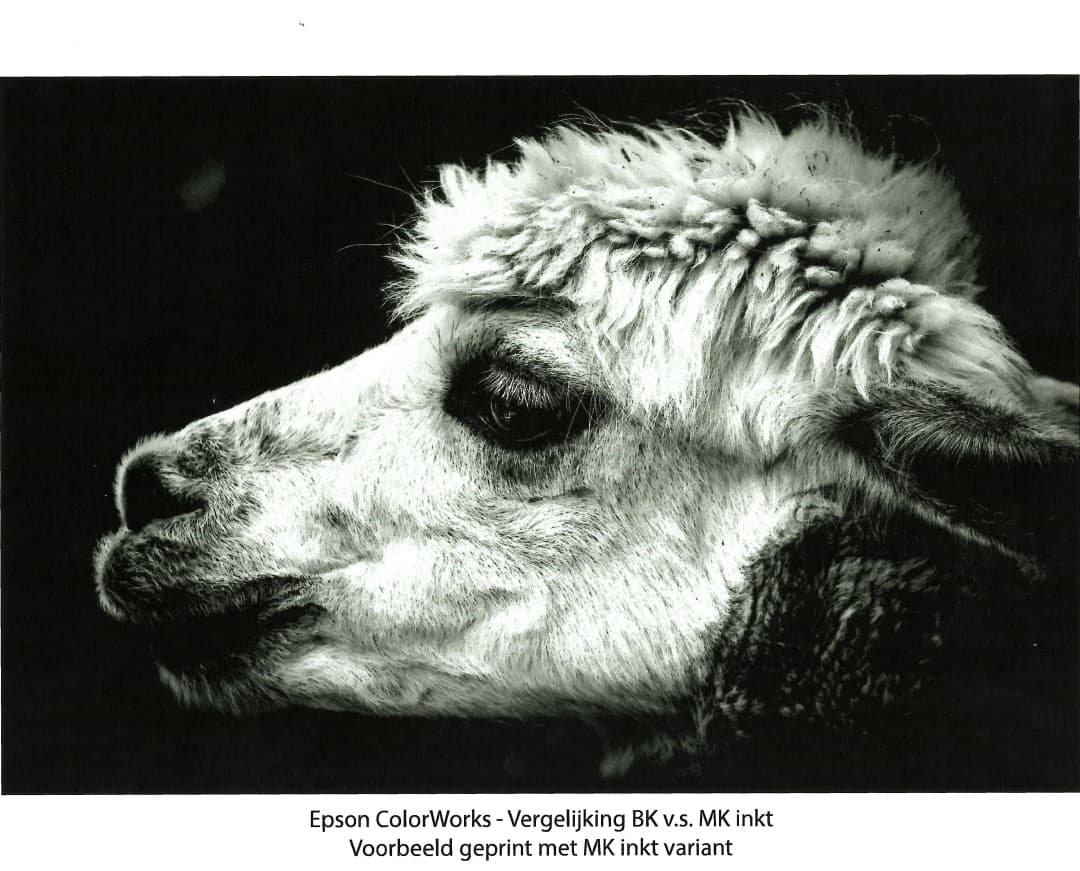
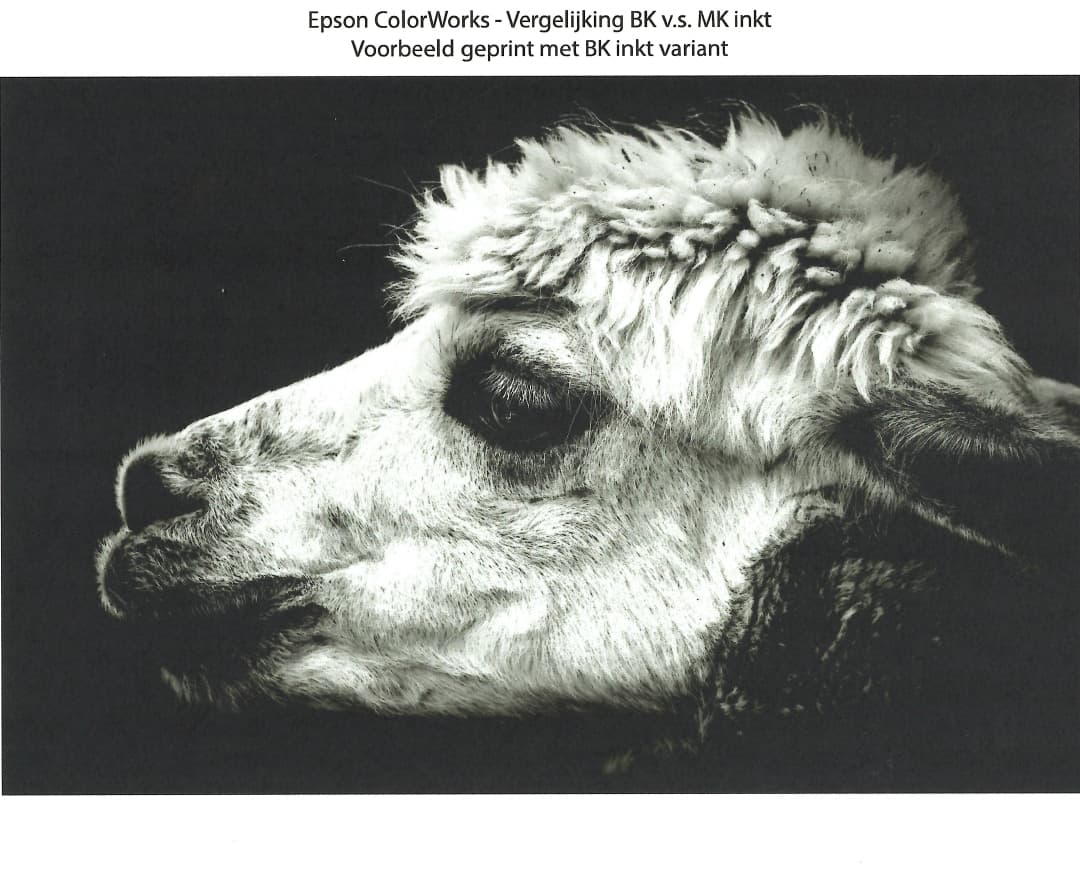
We recommend MK for matte labels when deep black is important. If you also need glossy labels, start with BK. This guide covers the Epson ColorWorks CW-C4000e, CW-C6000/C6500, and CW-C8000e series. BK also works on suitable matte media.
If you already have a ColorWorks printer, order the same black ink type that the printer uses.
Ready to order? Find ink and label materials for your ColorWorks model below.
What do BK and MK mean for Epson ColorWorks?
BK and MK are two black pigment inks for the ColorWorks label printers covered here. Epson calls BK Gloss Black and MK Matte Black. Your choice depends on the ink and label material. The printer, inkjet coating, and required print result must work together.
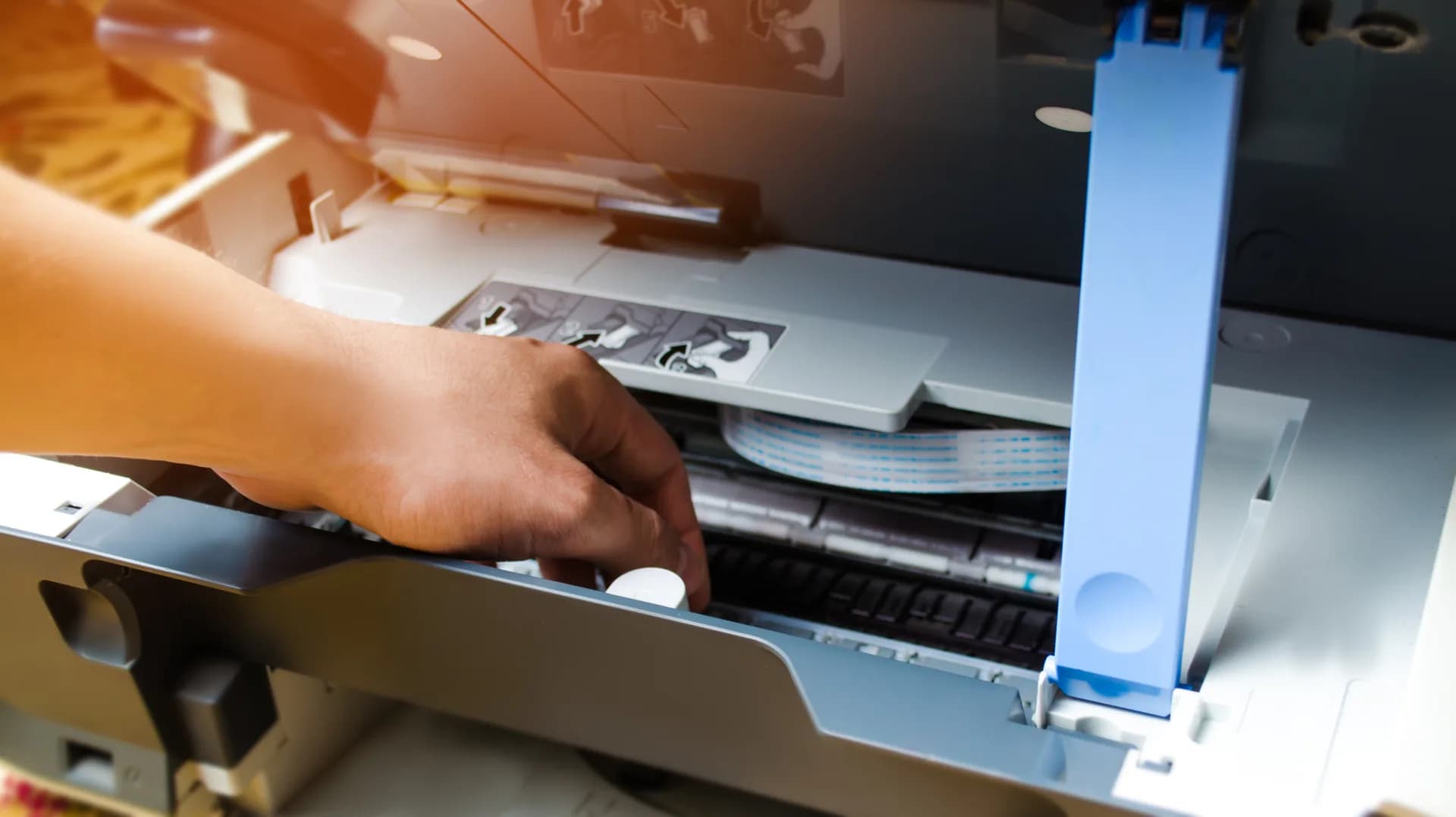
The C4000e and C6000/C6500 use ink cartridges. The C8000e uses ink packs. When you order ink, check both the printer model and the BK or MK type.
When should you choose BK or MK?
Our advice for a new printer: start with the labels you need to print. We recommend MK for deep black on matte paper and matte synthetic labels. If you need both matte and glossy labels, start with BK. Epson's C6000/C6500 comparison lists both inks for coated matte paper and coated matte synthetic media. MK gives the darkest black on those materials.[1]
On a small screen, scroll horizontally to read the table.
BK or MK: a practical starting point for your label material
| What will you print? |
Starting point |
Why? |
| Mainly coated matte paper |
MK |
For deep black on matte labels. |
| Mainly coated matte synthetic media |
MK |
For deep black on matte synthetic labels. |
| Glossy paper or glossy synthetic media |
BK |
For the glossy media that your model supports. |
| Both matte and glossy labels |
BK |
One black ink choice for a wider range of finishes. |
| Replacement ink for an existing printer |
The current type: BK or MK |
The first ink charge fixes the black ink type. |
This table helps you choose suitable inkjet media. Support varies by model. The main differences are below.
Ink and label materials for your ColorWorks model
On a small screen, scroll horizontally to read this table too.
Shop ink and find label materials by ColorWorks series
| ColorWorks series |
Ink and label materials |
Media choice according to Epson |
| CW-C4000e |
Cartridges
Shop ink
Labels and materials
BK printer · MK printer
|
BK and MK: matte paper and synthetic media.
BK only: glossy paper, glossy film, and high-gloss paper.
MK only: plain paper, textured paper, and wristband paper.[2] |
| CW-C6000/C6500 |
Cartridges
Shop ink
Labels and materials
C6000Ae · C6000Pe
C6500Ae · C6500Pe
|
BK and MK: matte paper and synthetic media.
BK only: glossy paper, glossy film, and high-gloss paper.
MK only: plain paper, textured paper.[4] |
| CW-C8000e |
Ink packs
Shop ink
Labels and materials
BK printer · MK printer
|
BK and MK: matte paper and synthetic media.
BK only: glossy paper, glossy film, and high-gloss paper.
MK only: plain paper, textured paper.[3] |
Before you order, check the full model and BK or MK on your current cartridge or ink pack. Check that the material and coating suit that combination. For CW-C6000/C6500, select the correct Ae or Pe model in the product finder.
A note on coated low-gloss paper: Epson's US specification sheet also lists this material for MK on the documented CW-C6000A/P and CW-C6500A/P variants. Do not assume this exception applies to other variants or glossy synthetic media.[1]
This comparison covers the pigment models listed above. It does not cover ColorWorks D6000/D6500-series printers with dye ink.[4]
Can you change from BK to MK?
No. On the C4000, C6000/C6500, and C8000 series, you cannot change the black ink type after the first ink charge. Replacing a cartridge or ink pack does not change the printer's ink type. Use the same black ink type when you replace it.[2] [3] [4]
Does your BK printer produce black that looks too light on matte material? First check the material, coating, and print settings. Do not buy an MK cartridge to replace a BK cartridge.
How to choose the correct ink and labels
- Check your printer. Record the full model and its current BK or MK type. For a new printer, choose before the first ink charge.
- Choose the label material. Decide whether you need matte paper, matte synthetic labels, or glossy media. Use the media categories for your printer model.
- Check a printed sample. Compare your design on the material you plan to use. This is especially useful for deep black or a glossy finish.
Already have a printer? Use the ink category and material links for your model above to continue shopping.
Ready to order replacement ink?
Open the ink category for your printer in the table above, or browse the full ink range. Use the links for your model to find labels and other materials.
Shop all ink
Choosing a new printer or unsure about your material? Ask us for advice.
Common questions about BK and MK ink
Can I use BK on matte labels?
Yes, on suitable matte media. Epson lists matte paper and synthetic media for both ink types on the C4000 and C8000 series. The C6000/C6500 comparison shows darker black with MK on the listed coated matte materials.[1] [2] [3]
Can I use MK on glossy labels?
For glossy labels, start with BK. The C4000 and C8000 guides list glossy paper and glossy film for BK only. The C6000/C6500 specification sheet includes a limited exception for coated low-gloss paper. This exception does not apply to glossy synthetic media.[1] [2] [3]
How do I know which black ink to order?
Check the full printer model. Look for BK or MK on the current cartridge or ink pack. Then find the correct consumable for that model. If you need advice, include a photo of the model number and current ink packaging.
Do all ColorWorks printers use the same cartridges?
No. The cartridge or ink pack must match the exact model. The C4000e and C6000/C6500 use cartridges. The C8000e uses ink packs. BK or MK identifies the black ink type, but it is not a complete part number.[2] [3] [4]
Sources
- Epson CW-C6000/C6500 specification sheet, page 3. US A/P variants; coated media, black density, and low-gloss comparison.
- Epson CW-C4000 Series user guide (Dutch), pages 6, 16–17, 31, and 82: ink type, media, and pigment ink cartridges.
- Epson CW-C8000 Series user guide, pages 6, 17, and 92–93: ink type, media, and ink packs.
- Epson CW-C6000/C6500/D6000/D6500 user guide (Dutch), pages 7–10, 23, and 111–112: pigment/dye, fixed black ink type, C-series media, and cartridges.