

Maintenance & Supplies
Everything you need to know about maintaining your Epson ColorWorks printer and consumables such as ink, maintenance boxes, and label media.
Still in doubt?
Talk to Expert
Want to know more or need help?
Maintenance & Supplies
Error Messages & Troubleshooting
Usage & Tips
Installation & Software
Models & Comparison
Costs & ROI
Orientation & benefits
epson colorworks
Which label materials are suitable for Epson ColorWorks?
There are an enormous number of options, although not every material is equally suitable for every application. For example, with transparent labels, you need to take into account that the print and the background will blend in terms of colour. A printed transparent label on a dark background will therefore not yield good results.
Choosing the right material often starts with the requirements regarding properties and appearance. Think about choices between paper or plastic, glossy or matte, a simple or very luxurious look or something special such as silver. We are happy to advise you on the right material for your application.
Choosing the right material often starts with the requirements regarding properties and appearance. Think about choices between paper or plastic, glossy or matte, a simple or very luxurious look or something special such as silver. We are happy to advise you on the right material for your application.
Can I order supplies for my printer directly from you?
Yes, we supply all original Epson ink cartridges, maintenance boxes and suitable label materials directly from stock. You can easily find everything in our webshop by printer model. An added benefit is that Businesslabels customers can make free use of our support. Check our support page for the terms and conditions.
Can I reduce my consumable costs?
Yes, with these tips you can save on consumables:
- Use efficiently designed labels with limited ink coverage.
- Choose larger label rolls to reduce how often you need to change them.
- Print in a lower quality mode when top quality is not required.
- Keep your printer clean for optimal performance and lower ink consumption during cleaning cycles.
- Choose a suitable label material — certain high-quality inkjet-coated labels are more expensive per label but require less ink for an equivalent print, resulting in lower ink costs and a lower overall cost per label.
What types of label materials are suitable for Epson ColorWorks printers?
Epson ColorWorks printers are suitable for:
- Inkjet-compatible paper: matte or glossy, depending on ink type (BK/MK/Dye series)
- Synthetic materials: such as polypropylene (PP) or polyester (PET)
- GHS labels: labels approved for chemical applications such as DIA740H (only in combination with pigment ink)
- Tickets and tags: ExpoBadge and similar ink-coated materials
- Logistics applications: Lower-cost matte uncoated vellum can be a solution in certain logistics processes, provided there are no high demands on colour yield.
Always use material with a suitable coating for inkjet printing for the best result.
Can I use house brand or alternative ink?
We strongly advise against the use of alternative (house brand) ink. Only original Epson ink guarantees optimal print quality, maximum durability (such as water and UV resistance), and preservation of your warranty. Using alternative ink can lead to printhead clogging and irreparable damage.
What consumables do I need for my Epson ColorWorks printer?
You need the following supplies for normal use:
- Original Epson ink cartridges (one per color: Cyan, Magenta, Yellow, Black)
- A maintenance box, varying per model
- Compatible inkjet label media (roll or fanfold, depending on the printer)
- Optional: spare cutter blade (for models with an auto-cutter, such as the CW-C4000)
What are the consequences if the printer is not used for an extended period of time?
If the printer sits idle for a long time, the ink channels in the print head may dry out. To prevent this:
- Preferably keep the printer switched on (in stand-by mode it cleans itself periodically).
- Print at least one test label or nozzle check once a week.
- When restarting, run an automatic cleaning cycle if necessary.
If this is not done, a thorough cleaning cycle may be required before the printer functions normally again. If the printer is left without power for a long time — for example stored in a cupboard — it may suffer irreparable damage to the ink system.
How do I keep the print head in good condition?
The print head of Epson ColorWorks printers is permanent and does not need to be replaced under normal use. You can keep the print head in good condition by:
- Leaving the printer on, so that automatic cleaning is performed.
- Regularly (at least once a week) running a print or nozzle check.
- Not leaving the printer unused for months at a time.
Use only genuine Epson ink and suitable label media to prevent clogging.
What is a maintenance box and when do I need to replace it?
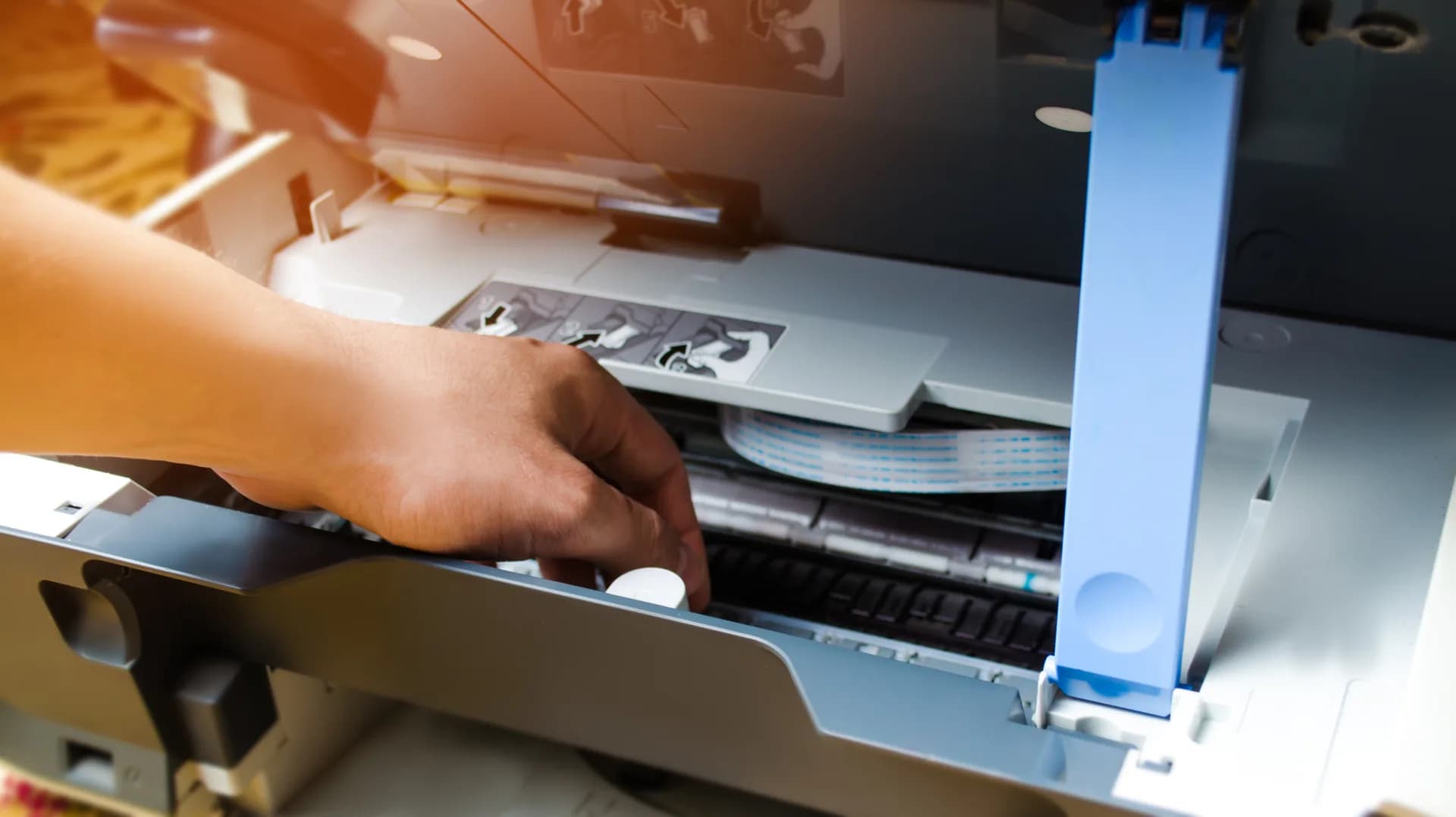
The maintenance box automatically collects the excess ink released during printhead cleaning. The printer will indicate when the box is (almost) full. Once full, it must be replaced to prevent leaks or malfunctions. The maintenance box can easily be replaced by the user.
How often do I need to replace the ink cartridges?
The frequency of replacement depends on:
- The label size
- The colour coverage per label
- The print volume
The printer automatically warns you when a cartridge is almost empty. Once a cartridge is empty, the printer stops printing and the cartridge in question must be replaced before you can continue. Epson printers use separate cartridges per colour, so you only replace what is needed. A cartridge is only empty when the printer indicates this with a cross — an exclamation mark is merely a "reminder" to order ink or have it ready near the printer to minimise downtime.
How much maintenance does an Epson ColorWorks printer require?
Epson ColorWorks printers are designed for minimal maintenance. Under normal operating conditions, you only need to:
- Replace the ink cartridges and maintenance box on time, even when the printer is not in use.
- Make sure the printer is always switched on and connected to power, even when it is not used for an extended period. This prevents the print head(s) from drying out.
- Keep the sensors and cutter unit clean of dust or adhesive residue.
All printers clean themselves automatically at startup and during periods of inactivity, as long as they remain switched on.
Ready to find the perfect labels?
Join over 12,000 businesses who trust us for expert advice and high-quality products